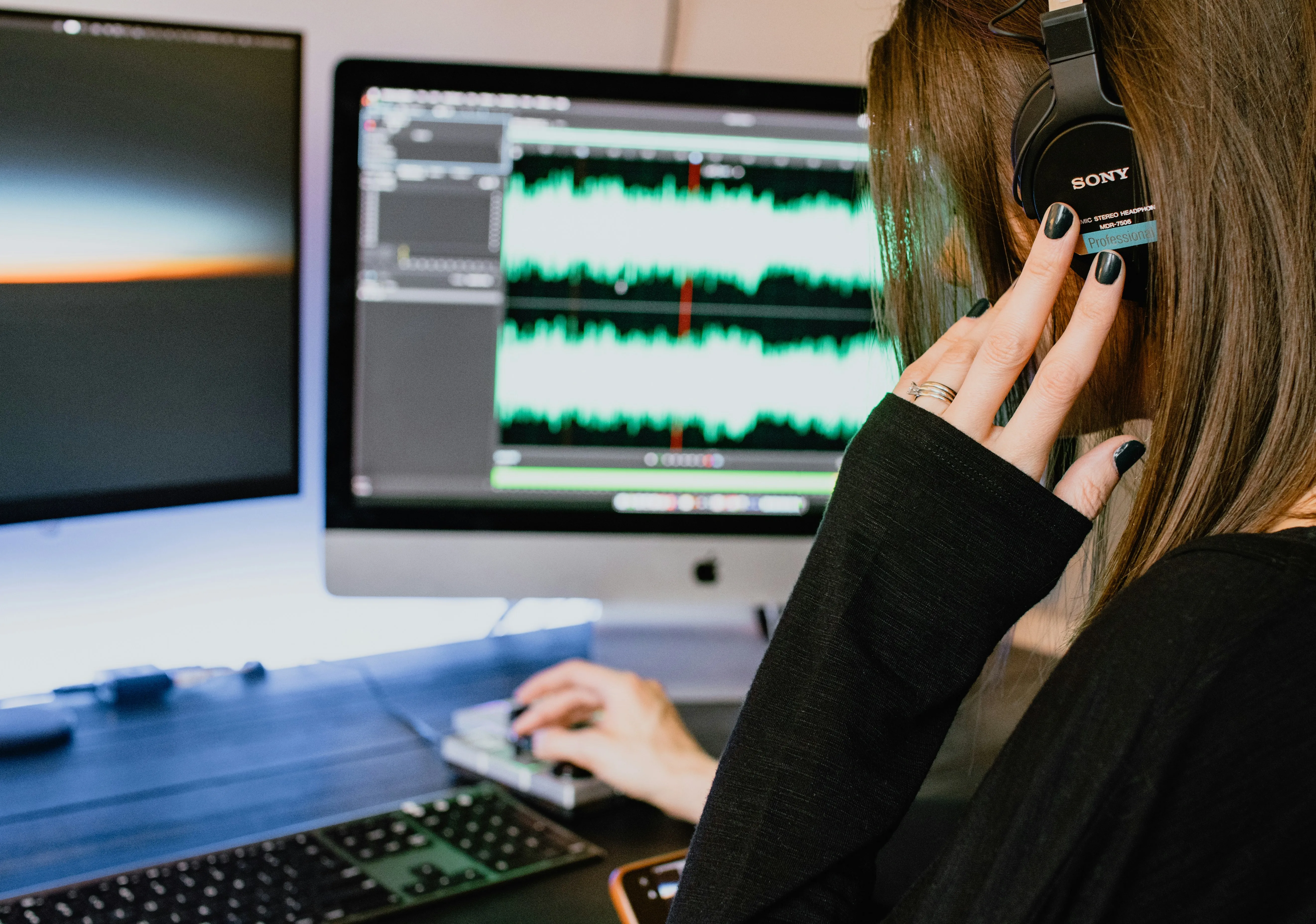
Future Proof Audio Projects
Thu Jun 26 2025🎯 Goal
Create a project folder that can be opened, rebuilt, or mixed in another DAW with minimal friction.
🗂️ Use a Clear Folder Structure
/ProjectName/
/Audio/ – All raw exported stems or files
/MIDI/ – MIDI tracks exported separately (if needed)
/Session/ – Original DAW project file (e.g. .als, .ptx, .logicx)
/Docs/ – Notes about tempo, plugins, or mix decisions
/Bounces/ – Final mixdowns or reference exports
✅ Keep everything self-contained so no files are lost during transfer.
🧷 Export All Tracks as Stems (WAV)
This is the most DAW-agnostic method.
Export every track as a WAV or AIFF, preferably:
-
Same bit depth/sample rate (e.g., 24-bit/48kHz)
-
Full length of the song (even if the track is silent at times)
-
Aligned to zero (start at 0:00) so they line up perfectly in any DAW
Label like:
-
01_Kick.wav
-
02_Snare.wav
-
03_Vocal_Lead.wav
-
04_Vocal_HarmonyL.wav
🧠 Tip: Include both dry and wet versions if important FX were used (reverb, delay, etc.)
🎹 Export MIDI (Optional)
For synths, drums, or virtual instruments:
Export as .mid files
Label clearly: 03_Bass.mid, 05_Piano_Part.mid
This allows recreating parts with different instruments if needed.
🎧 Bounce FX Separately if Critical
If you used unique FX chains, bounce an FX-only stem or commit to audio.
For example:
04_LeadVox_dry.wav
04_LeadVox_withFX.wav
📝 Include a Text File with Session Info
Put a README.txt or .md in the folder with:
BPM/tempo
Time signature
Song key (if known)
Any special instructions (e.g., “Reverb printed on tracks 5, 6”)
Notes on plugins used (optional but helpful)
🧩 Avoid DAW-Specific Features
Things that don’t transfer well:
-
Clip gain (instead, bake into audio)
-
Warp/stretch markers (bounce time-stretched version)
-
DAW automation (export version with automation printed to audio if important)
🔒 Archive It All
Zip the entire project folder
Name it clearly: MySong_ProjectFiles_2025-06-26.zip
Store in cloud or external drive
🧠 Tip: Use open formats (WAV, MIDI, TXT) to make this future-proof
🛠️ Bonus Tools
AAF/OMF Export: If your DAW supports it (Pro Tools, Logic, Reaper), you can export an AAF or OMF session, which keeps audio regions + placement.
Not always reliable across DAWs, but worth trying for complex edits.
Reaper: Can open AAF/OMF and rebuild sessions.